Start with the repeated task
The best place to begin is a workflow your team can demonstrate: setting up a rig, updating captions, arranging layers, preparing animation variants or moving data between tools. I map the inputs, repeated decisions and expected result, then build the smallest useful automation around them.
That can be a focused JSX script, an expression-driven rig, a reusable control panel or a connected production workflow. The implementation should fit the artists and projects that will use it.
Try the existing tools first
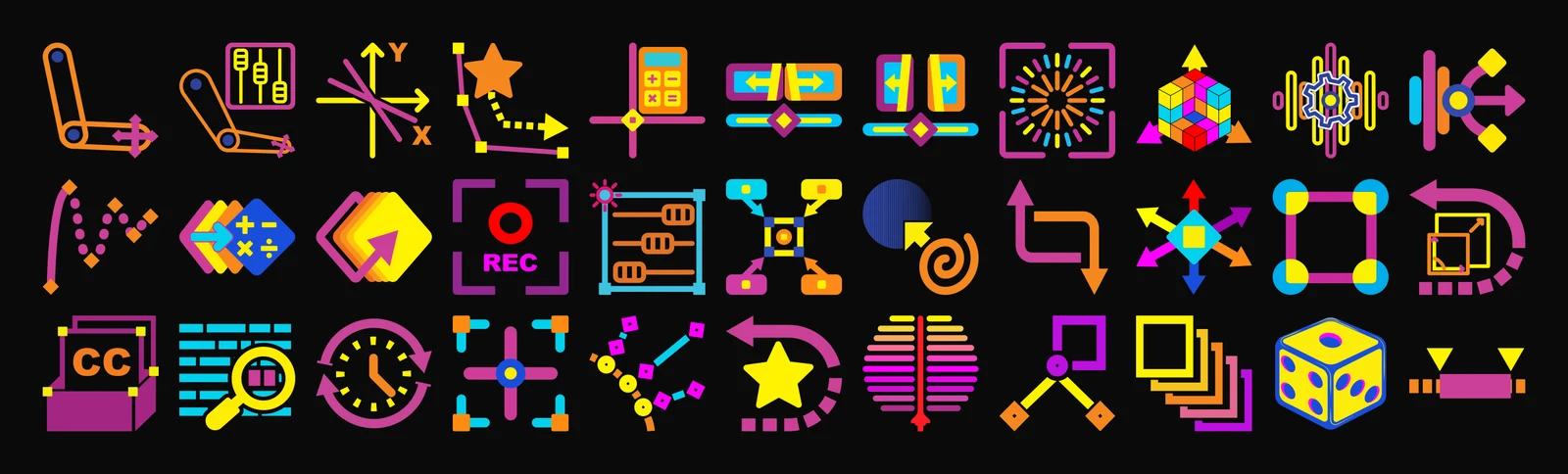
The IVG Toolkit contains 35 free, MIT-licensed After Effects scripts. The source and individual guides are public. If one already solves your problem, use it.
- 2–3 IK Rigger builds two- and three-segment inverse-kinematics rigs.
- SubtitleForge builds marker-driven captions with a reusable text and background rig.
- Distributron places layers along a shape path.
- Elast-o-matic adds controllable overshoot and bounce.
- Sync-o-tron connects properties to an Audio Reactor template for audio-reactive animation.
When a custom build makes sense
A custom tool becomes useful when the same manual decisions recur across projects, a team needs a consistent result, or several existing scripts need to work as one process. I can adapt the interaction to your terminology, expose the controls artists need, and document the assumptions that would otherwise live in one person’s head.
I also build web interfaces and applications. Where a workflow crosses After Effects and another system, we can define the data exchange and the responsibility of each part before committing to a larger integration.
What to bring to a project call
A short recording of the current workflow is more useful than a long feature list. Include a representative project, the After Effects version and operating systems in use, the files or data that come in, and an example of a correct result.
We’ll identify a pilot task and its success criteria. The delivered scope can include source code, installation instructions, a sample project and a guide for the people who will use it. Compatibility and support are agreed for the actual environment.
Free tools, custom work
The public toolkit remains free and open source. Custom production work is scoped separately around your requirements. You can inspect the repository, read the guides and try a script before deciding whether you need anything built.